

50 Words or Less
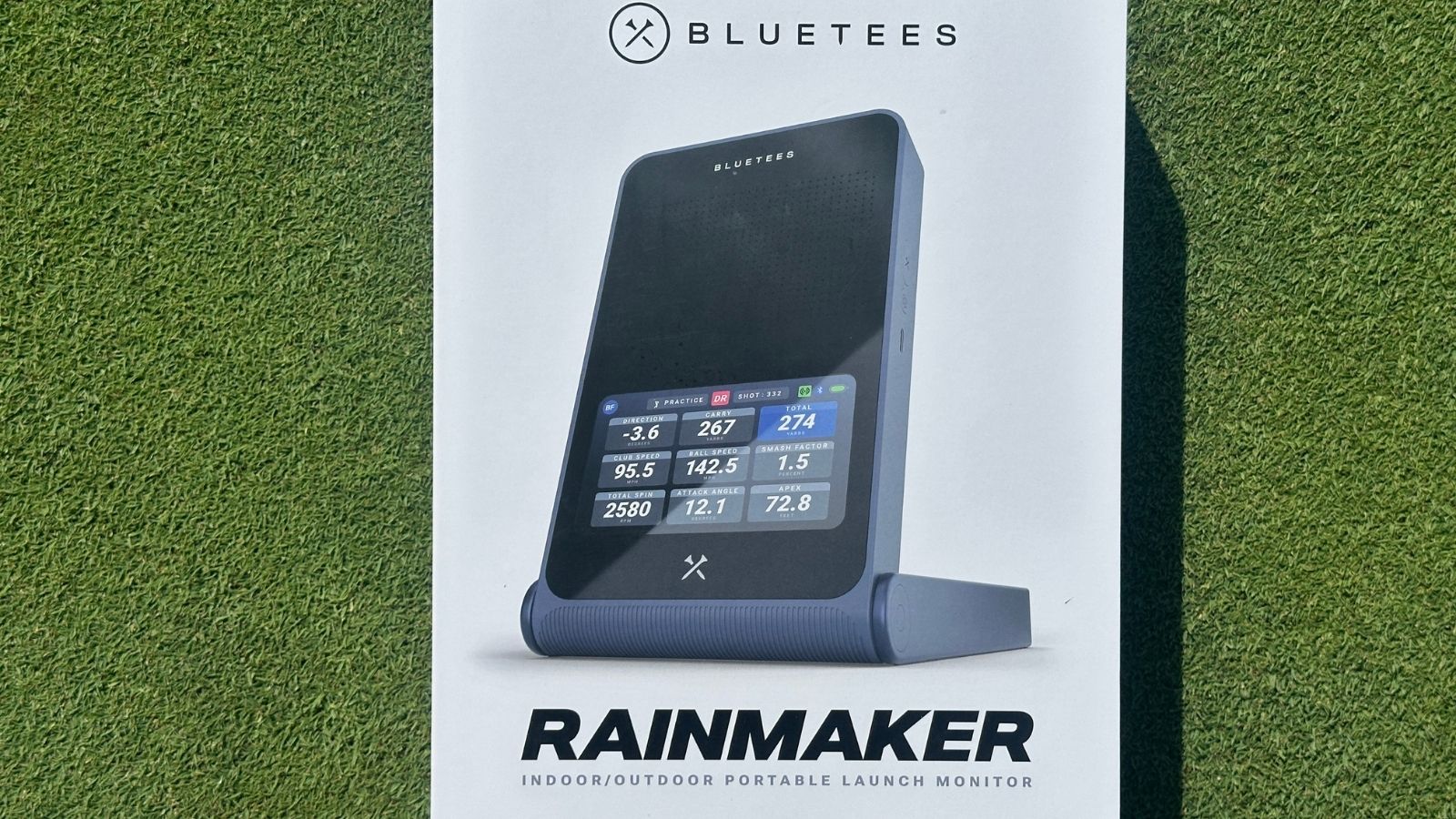
The Blue Tees Rainmaker launch monitor is easy to use and produces tons of data. Accuracy on par with other units in this price range. Excellent app.
Introduction
While the cost of golf clubs, balls, and green fees continues to climb skyward, personal launch monitors keep giving us more for less. Priced at $599, the new Blue Tees Rainmaker launch monitor promises a wealth of data, indoor/outdoor use, and full golf simulation. I tested it to find out how it stands up in this competitive market.
Set Up & Ease of Use
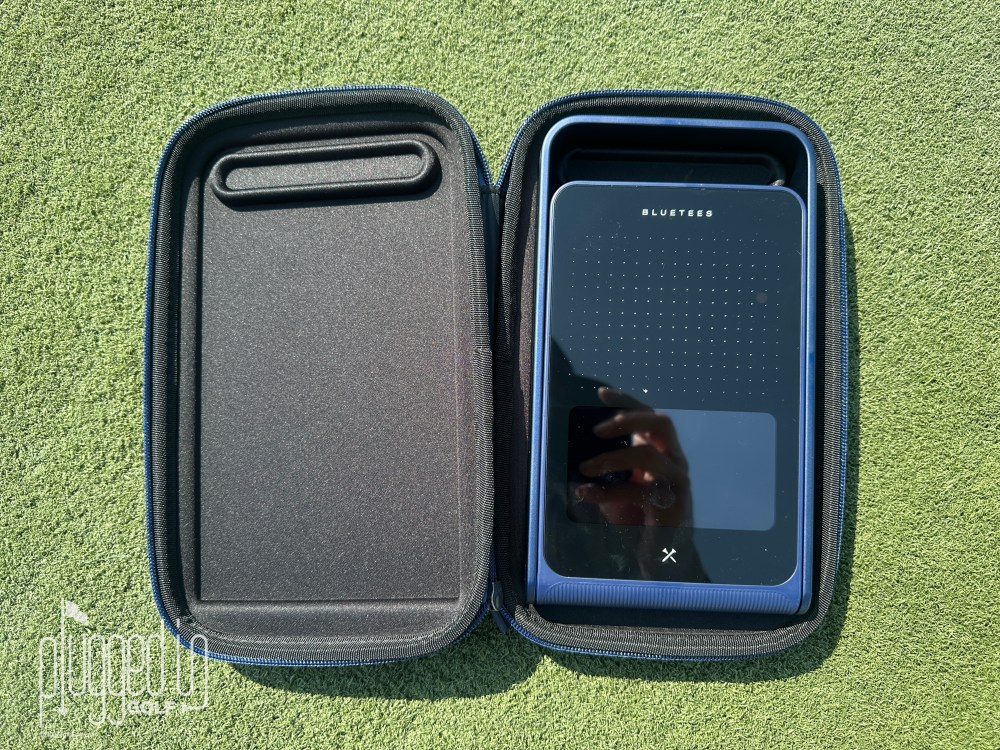
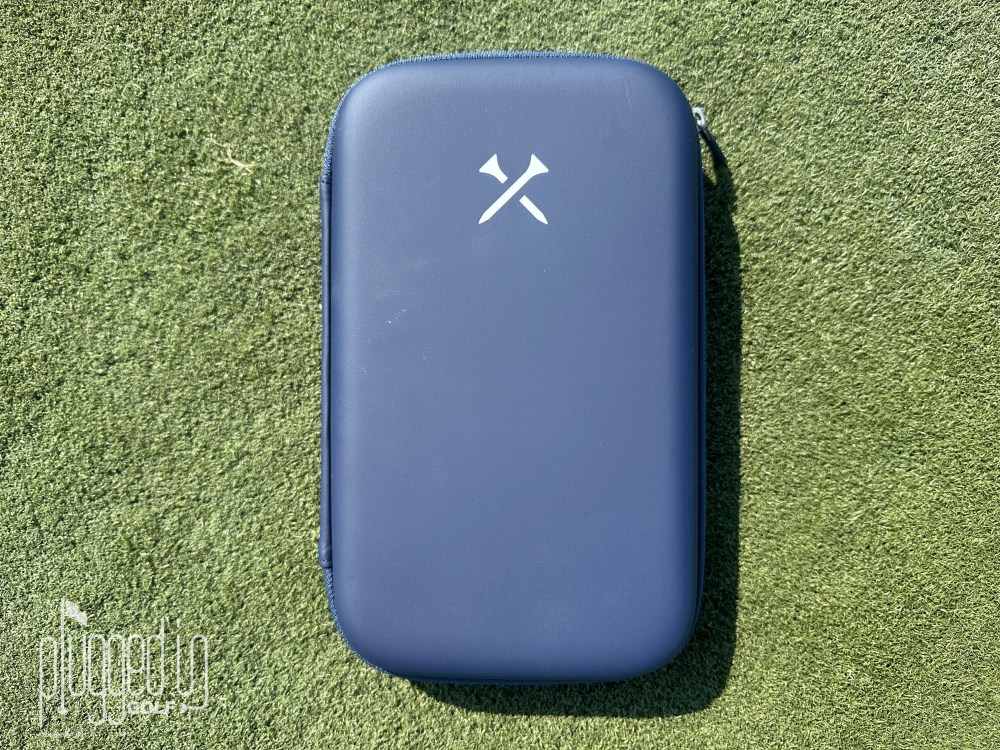
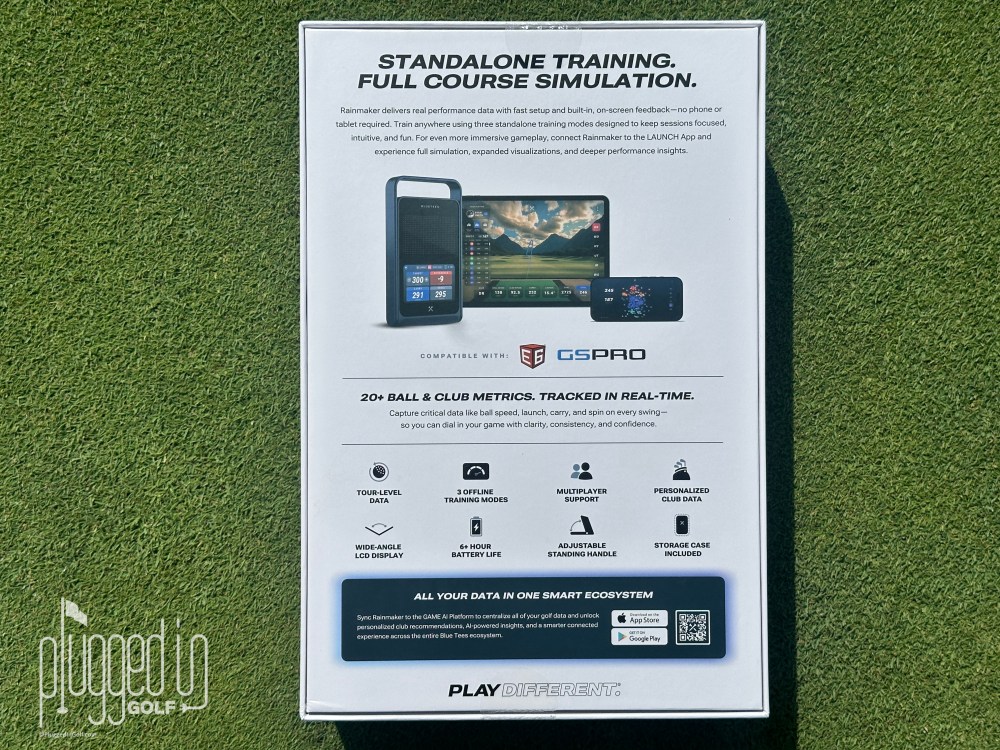
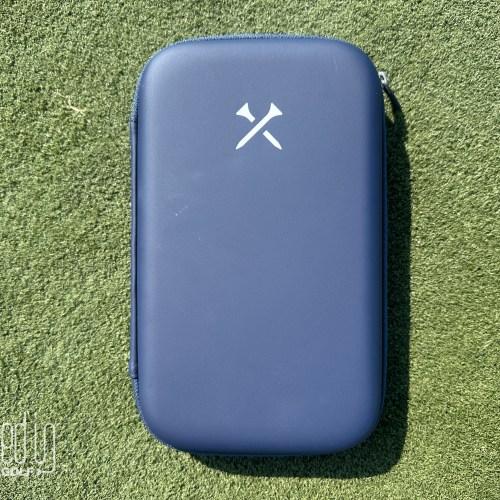
Unboxing the Blue Tees Rainmaker launch monitor, you’ll find the launch monitor (with remote), carrying case, and a USB cable. There are a couple pieces of paper including a quick start guide, but the full instruction manual is found online via a QR code.
After charging up the Rainmaker, I took it to the range for the “What happens if I don’t read the instruction?” test. It worked just as well as I’d hoped. I powered it up, and prompts on the screen walked me through the proper set up and got me hitting shots. Obviously, there was some amount of guess-and-check which could have been avoided by reading the instructions, but there was nothing that derailed my practice. I’ll fully explain the remote, modes, and more later on.
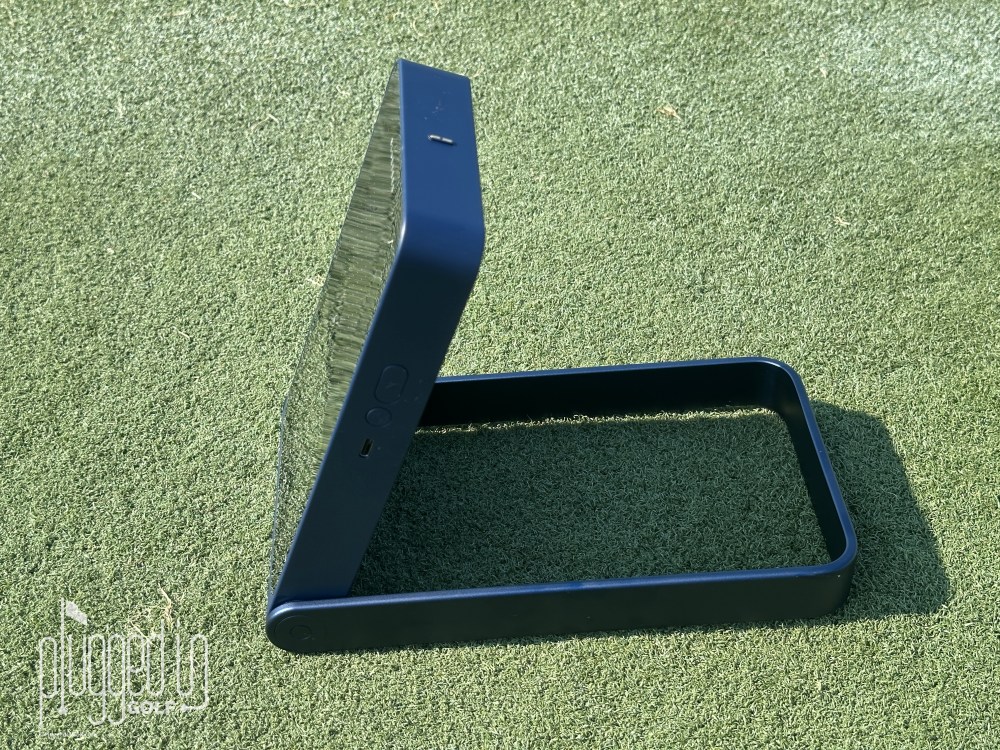
The physical set up involves putting the Blue Tees Rainmaker launch monitor “exactly five feet” behind the ball, at the same height as the ball, and pointed down the intended target line. I could not find a minimum ball flight requirement for indoor use, but in my testing I got consistent results with just under eight feet of ball flight.
Finally, you can use the Blue Tees Rainmaker launch monitor with or without the Blue Tees LAUNCH app, but there’s a lot of functionality you can only get with the app. Connecting the Rainmaker to the app is easy: download the app (available iOS and Android tablets, not phones), tap “Add Device” in the app, and punch in the confirmation code from you Rainmaker. I’ll dive fully into the app’s functions a bit later. [See Price / Buy]
Accuracy
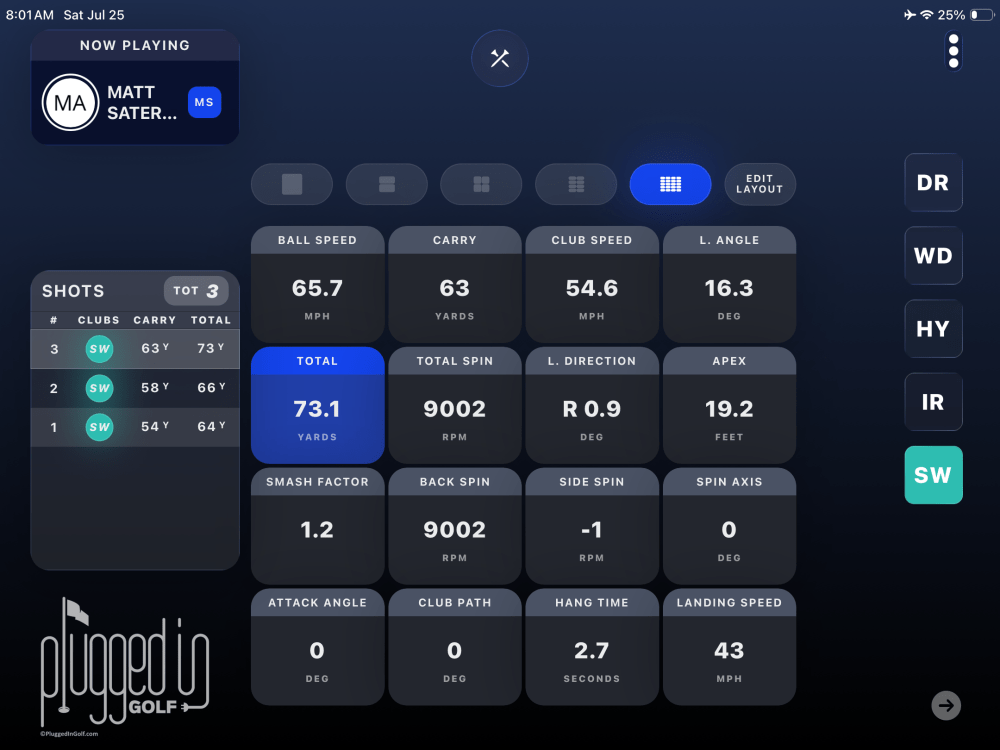
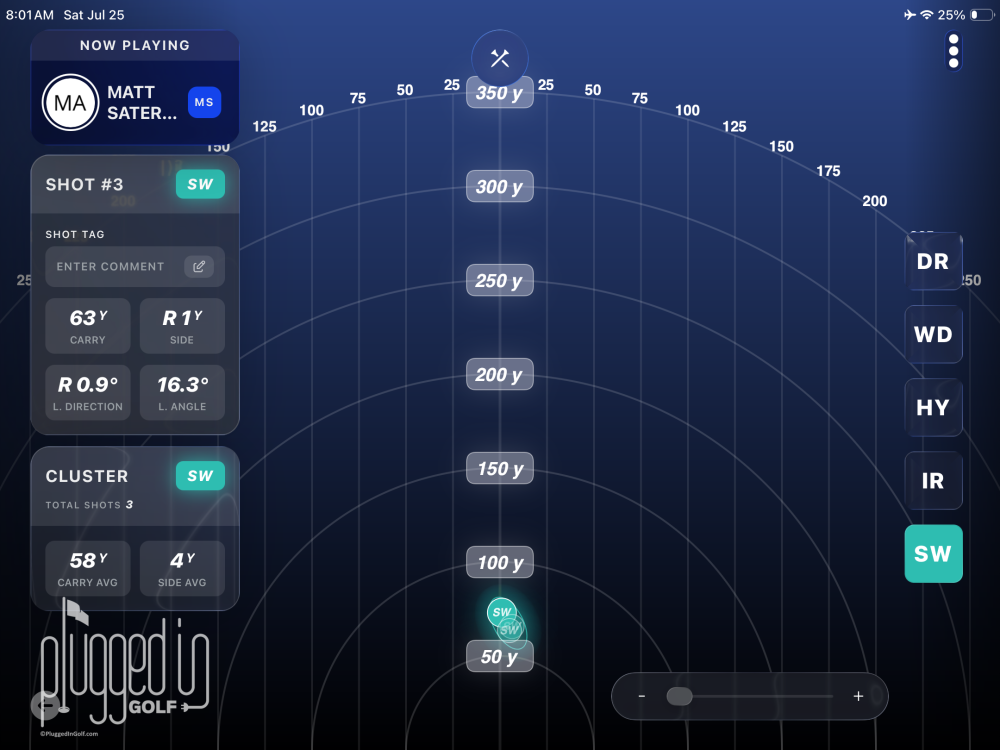
“Professional-grade shot data” is the claim of the Blue Tees Rainmaker launch monitor and its phased array Doppler radar. There’s certainly no shortage of data points: ball speed, launch angle, launch direction, apex, carry & total distances, back & side spin, spin axis, smash factor, club speed, attack angle, and club path are all featured directly on the Rainmaker. More data is offered inside the Blue Tees LAUNCH app: side, side total, hang time, descent angle, apex time, landing speed, and landing spin. Per Blue Tees, the data points in the app are “unique to the Blue Tees Physics Engine”, which I take to mean that they are calculated, not measured.
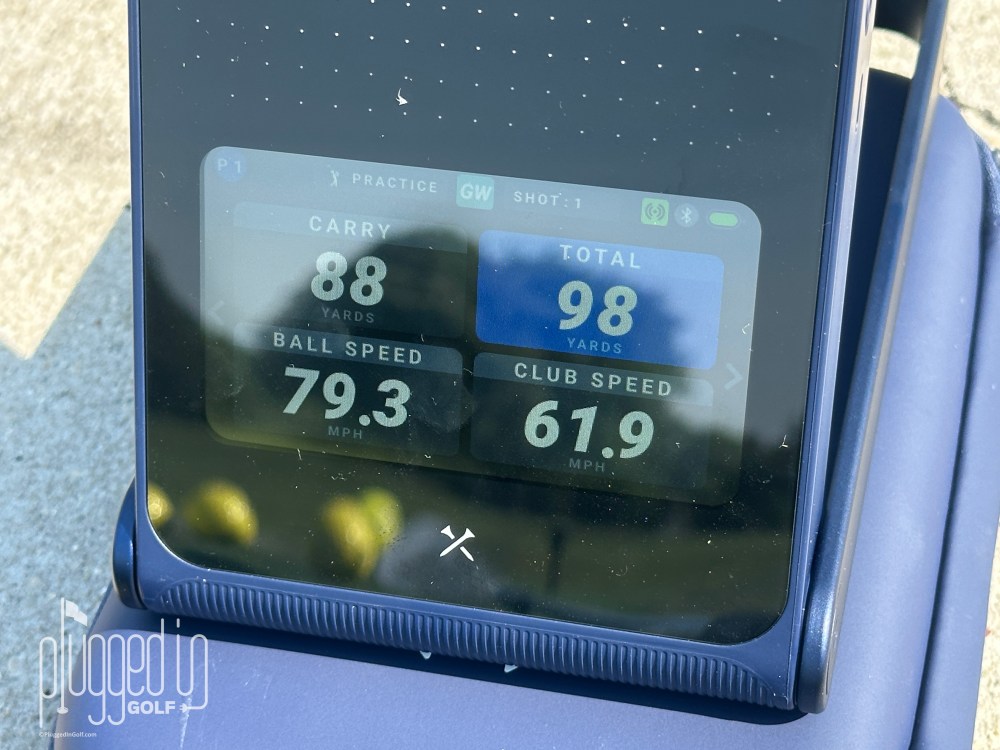
To test the Rainmaker’s accuracy, I ran it head-to-head with my Foresight GCQuad [review HERE] both indoors and outdoors. Overall, I found that the Rainmaker was more accurate outdoors. On the range, the ball speed was within 1 MPH most of the time with a maximum deviation of 3 MPH. The carry distance was generally close – within 2-3 yards – though there were some bigger misses. Spin numbers were consistently low throughout the bag. Directionally, the Rainmaker did a good job, but I wouldn’t trust it to the yard.
Indoors, I saw bigger discrepancies between the Foresight and the Rainmaker. With wedges, the spin numbers could be off both high and low, leading to inconsistent distance numbers even though the ball speed was generally accurate. Interestingly, the spin numbers were more accurate with the long clubs – I typically see the best accuracy in the middle of the bag with both ends being hit and miss. I will note here that the indoor accuracy might be improved with more ball flight or radar-enhanced golf balls like the Titleist RCT balls.
Overall, I think the Blue Tees Rainmaker launch monitor has good accuracy relative to its price. It is not “professional grade,” but if you stay focused on ball speed and speed training, I think it’s good enough for practice and personal improvement. [See Price / Buy]
Features
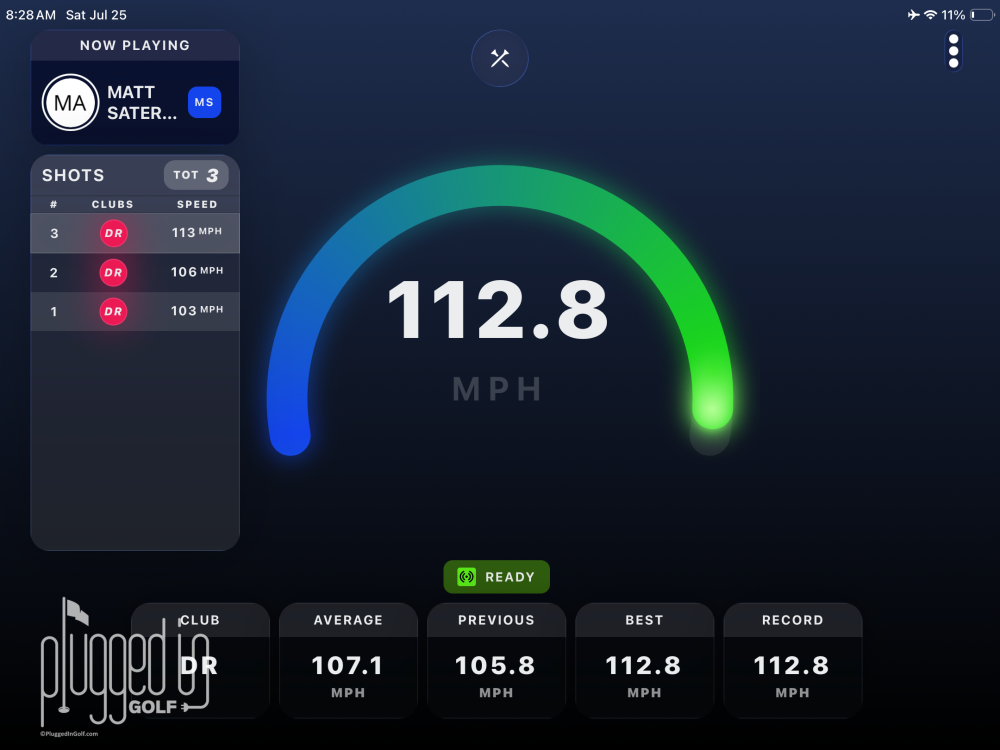
Within the Blue Tees Rainmaker launch monitor, there are three modes: Practice, Speed, and Target Distance. In Practice mode, you select your club and hit shots. Speed mode is for speed training, and you don’t need to hit a ball. Swing as hard as you can, and the Rainmaker will report your speed. In Target Distance mode, you set a carry distance and get color-coded feedback.
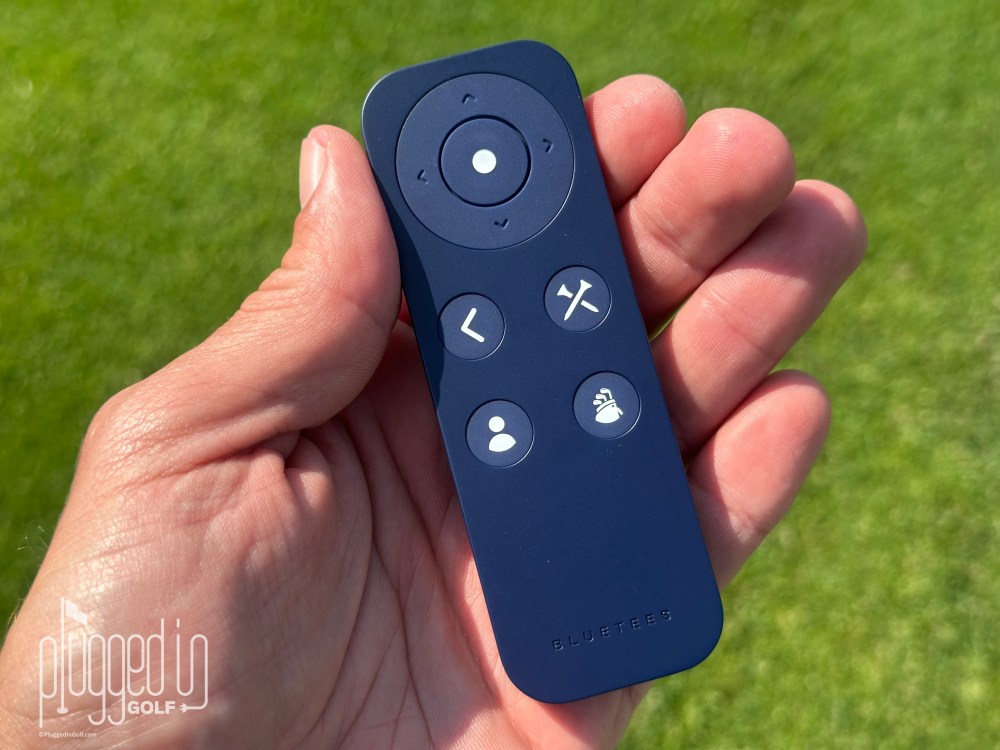
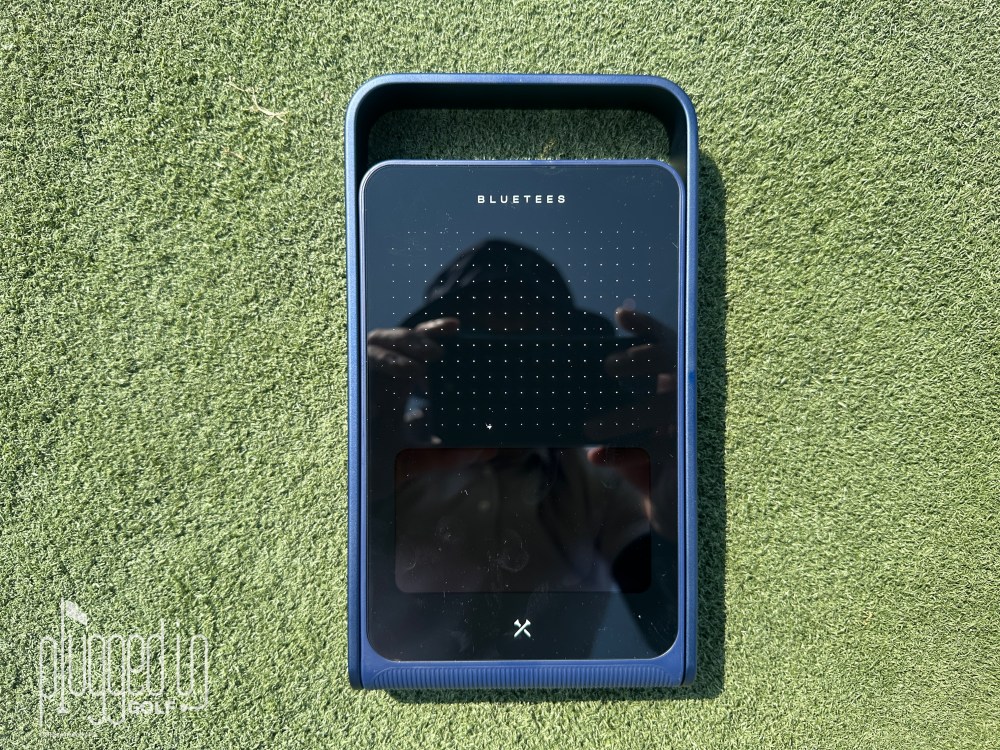
Your remote control stores magnetically in the launch monitor, and it’s an essential part of the kit, especially if you aren’t using an iPad. Having to bend over and tap the unit every time you want to change clubs is not practical. The device responds fairly quickly to the remote, but not instantly. Similarly, you need to wait about two seconds after the shot to see data on the display or iPad.
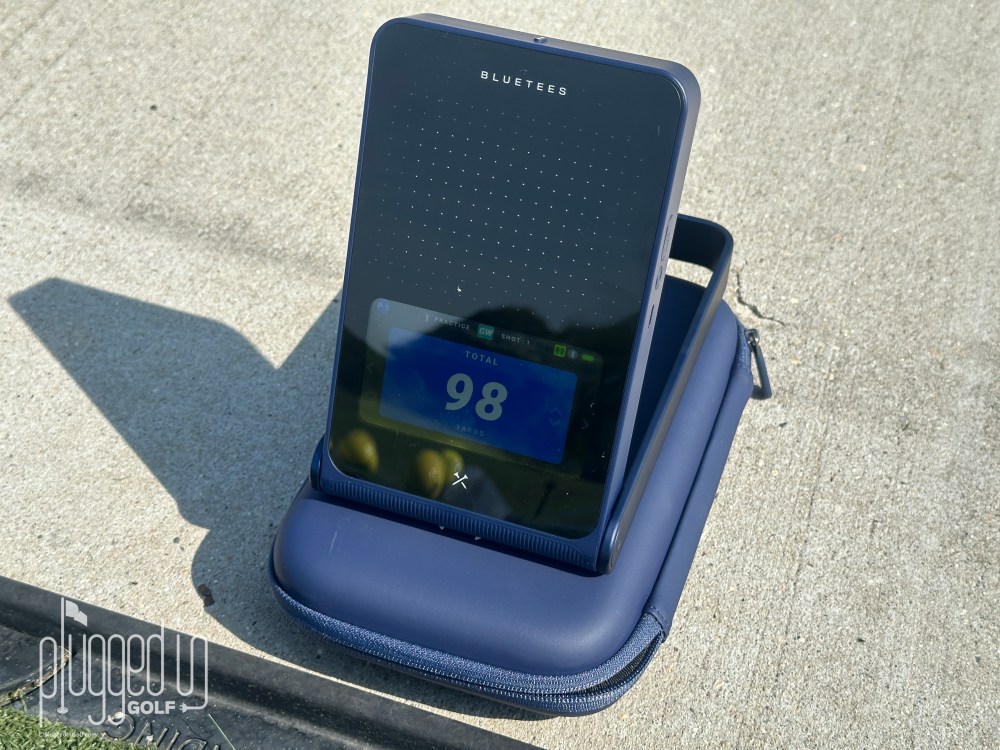
The display on the Blue Tees Rainmaker launch monitor is a 4.3″ full color LCD that’s easy to read in all light conditions. You also have the option for several data displays: Single Tile, 4-Tile, or 9-Tile. Regular readers know that I strongly recommend 4-Tile at most and prefer a Single Tile layout to maintain focus during practice. You can choose one of twelve data points for your Single Tile display – I would suggest ball speed, carry distance, or smash factor as the best options.
With one charge, you get up to seven hours of battery life from the Rainmaker. The device is also IPX4 waterproof, which means that it’s splash resistant. You shouldn’t take it out in the rain, but you don’t have to worry about a little dew or a spilled drink destroying it.
Finally, the Blue Tees Rainmaker launch monitor does support golf simulation. Currently it works with GSPro, and e6 Connect integration is coming soon. There’s also word that Blue Tees is working on native simulation software, but that’s not available at this time. [See Price / Buy]
Blue Tees LAUNCH App
The Blue Tees Rainmaker launch monitor is good on its own, but the Blue Tees LAUNCH app makes it better. When you open it for the first time, you’ll create your Blue Tees account. Then the app gives you the option of starting a session, editing your bag, viewing a summary of your data, or looking at a history of your sessions.
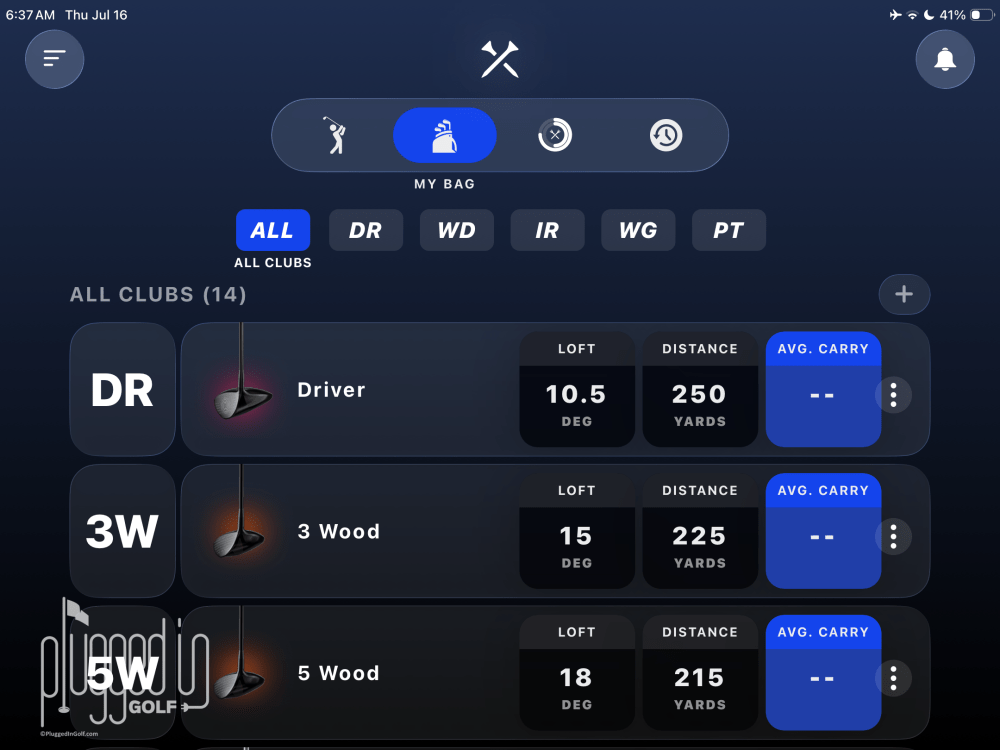
One of the first things you should do in the app is set up your bag. The default bag is driver, 3W, 5W, 3-PW, SW, LW. When you customize your bag, you’re required to input the make and model of each club, and you can customize the loft and carry distance. This is a bit time consuming, but it’s a one-time thing, and it will allow you to more accurately capture your shot data.
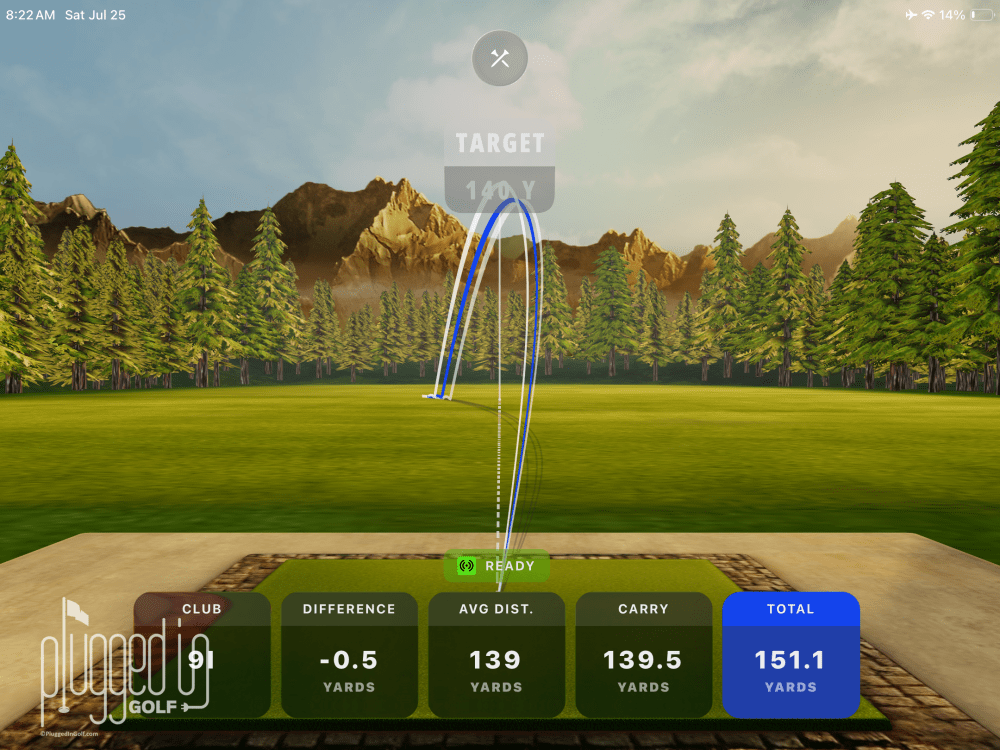
In the Practice mode, you get 3D range simulations. If you’re using the Blue Tees Rainmaker launch monitor outdoors, this is probably unnecessary, but it’s extremely helpful when you’re hitting into a net. Also, as mentioned earlier, the LAUNCH app opens up additional data points and different data visualizations.
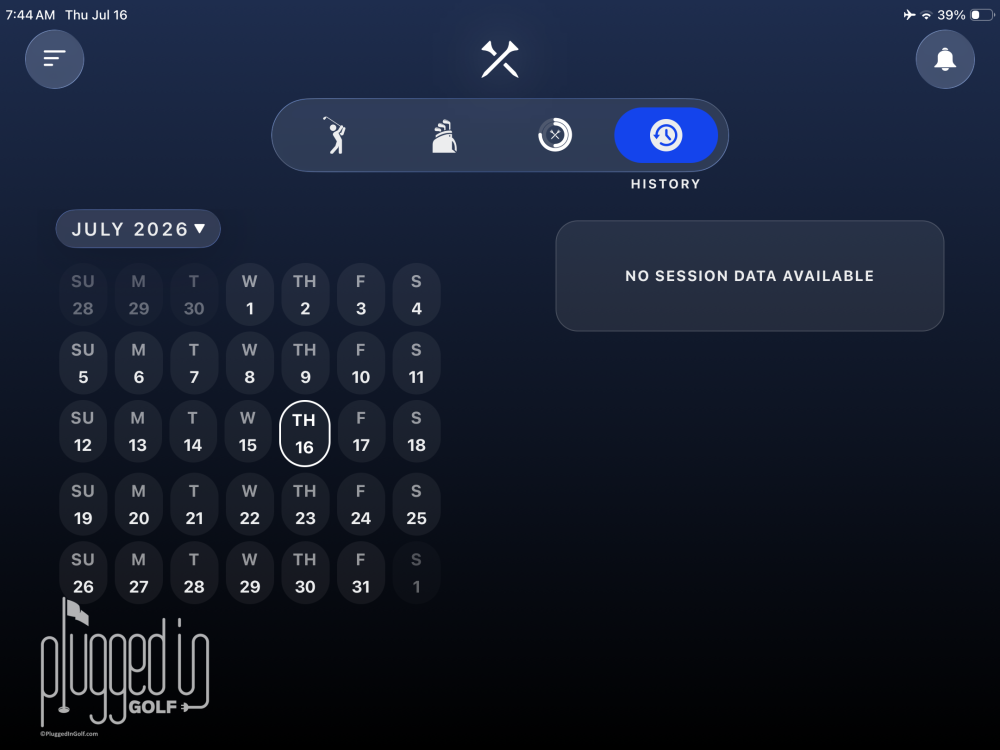
The LAUNCH app also stores unlimited data. This allows you to track your improvement over time and better understand your game. Blue Tees also offers some cool visualizations for your data. One of the most impressive things that the Blue Tees Rainmaker launch monitor does is storing up to 1,000 shots away from the app. You can take the Rainmaker to the range without your tablet, hit shots, then load them into your app with a couple taps.
Value
The Blue Tees Rainmaker launch monitor retails for $599. This puts it in a similar price range with the Voice Caddie SC4 Pro [review HERE], the unit I recommend the most. The one major cost difference is that the LAUNCH app costs $79/year after your first year.
I think the value of the Rainmaker is solid, especially if you’re going to use the app heavily. App usage would be the major decision point between the Rainmaker and SC4 Pro. If you just want real time data, I’d go with the SC4 Pro. If you’re going to use the app heavily and want to track your data over time, I’d favor the Rainmaker. [See Price / Buy]
Conclusion
Whether you find the Blue Tees Rainmaker launch monitor to be the most compelling at the $600 price, another entry into this fight is nothing but good for the golfing public. The Rainmaker raises the bar for the amount of data being offered at this price, even if it falls short of its goal of being “professional grade.” With the LAUNCH app, it’s a lot of fun to use, and a great way to dial in your game and stick to your practice routine when you can’t play outdoors. [See Price / Buy]
Blue Tees Golf RainMaker Launch Monitor
The Blue Tees Golf RainMaker Launch Monitor is designed to help golfers improve their game with accurate, actionable data. Compact and portable, this launch monitor can be used indoors or outdoors, making it easy to take your training anywhere. It tracks key swing and ball metrics to provide valuable feedback that supports better consistency, distance control, and overall performance.
Help support our mission. We earn a commission if you make a purchase, at no additional cost to you.

Editor In Chief at Plugged In Golf
He founded Plugged In Golf in 2013 with the goal of helping all golfers play better and enjoy the game more.
Matt lives in the northwest suburbs of Chicago with his wife and two daughters.